
Describe a workout, then lift it
Type a sentence such as “heavy push day, 45 minutes, bench focus” and Brolift builds the workout from your exercise library. It runs on your iPhone with Apple Intelligence, so nothing you type leaves the phone.
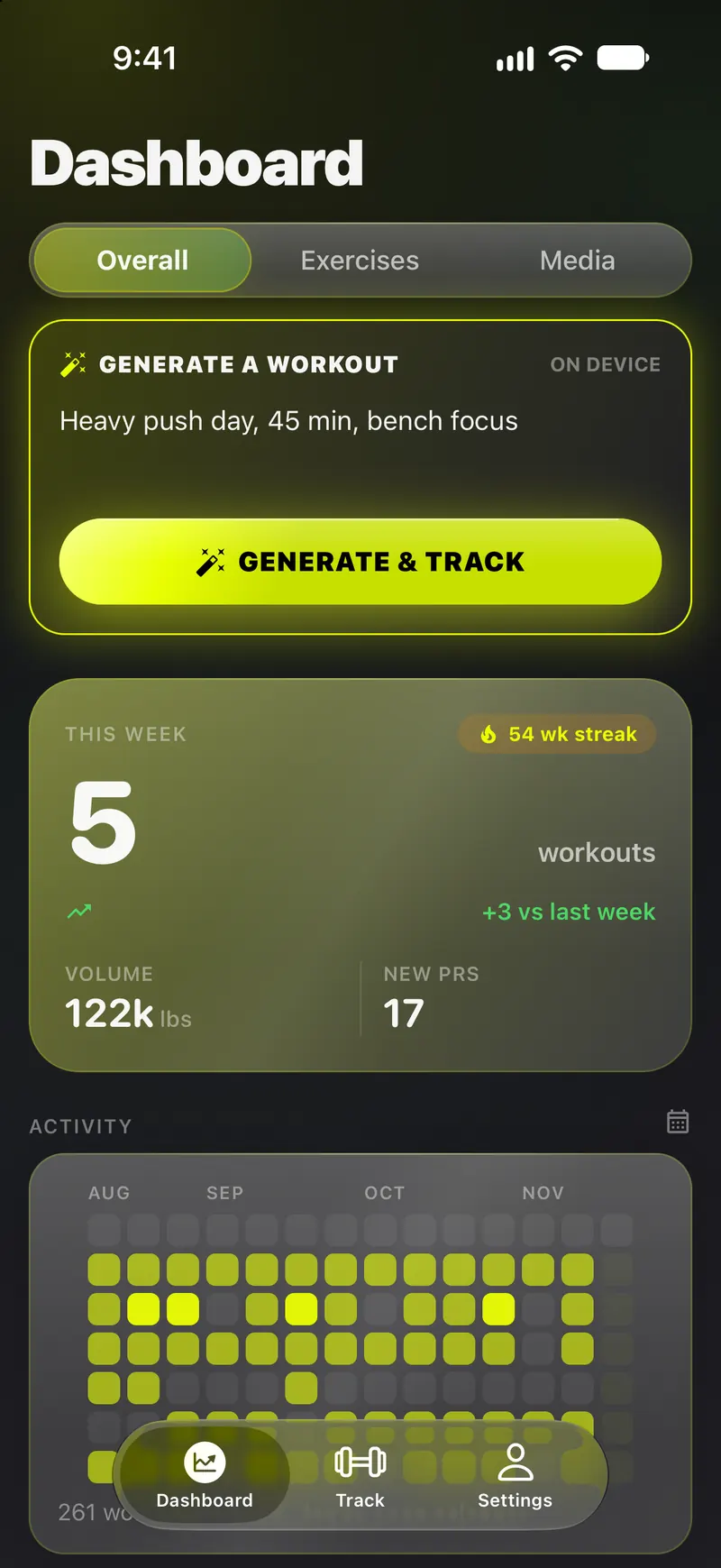
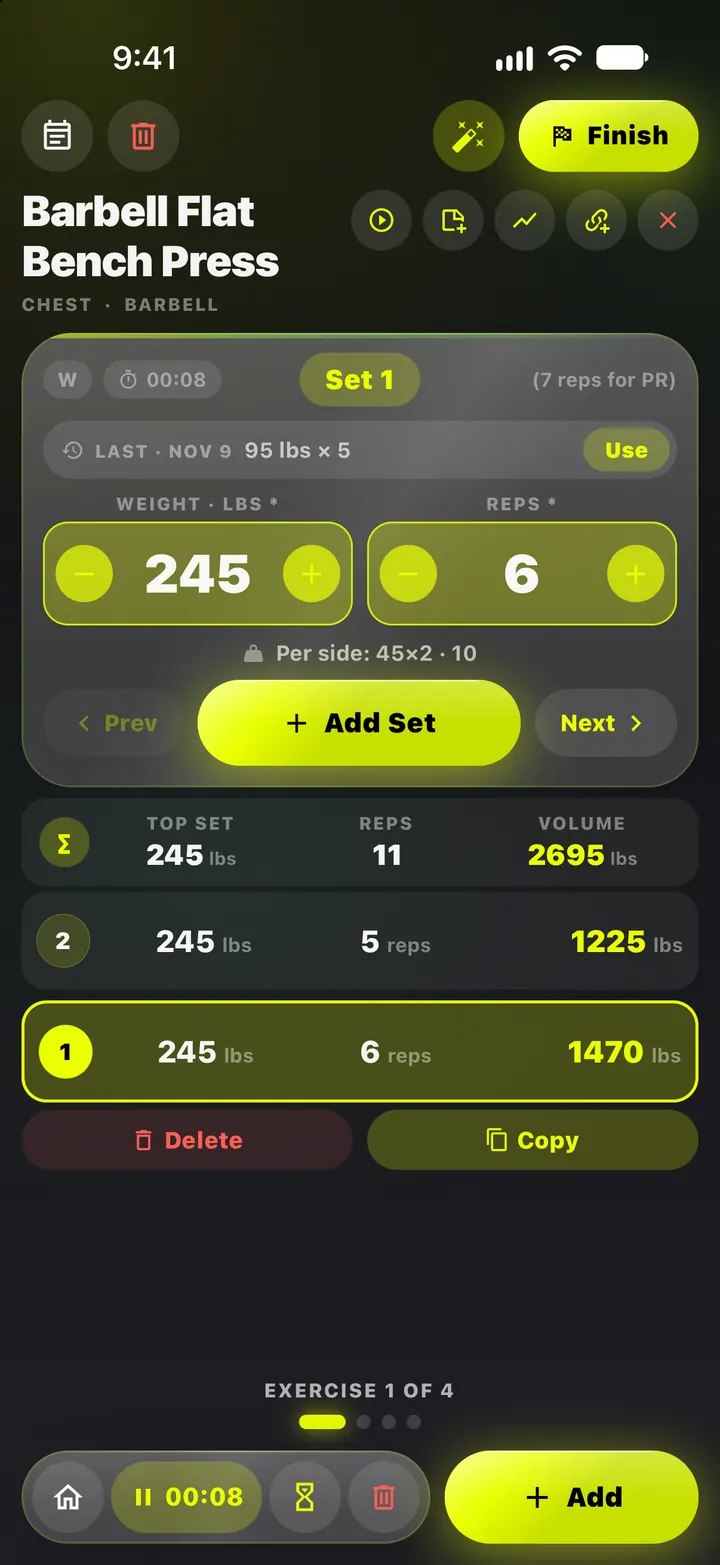
Screenshots show the app with sample data.
How it works
- On the Dashboard, type your description into the Generate a workout panel and tap GENERATE & TRACK. The workout loads into the tracker.
- Or, on the Track tab, tap the wand to open the AI Workout sheet. Track Now starts the workout, and Schedule saves it as a planned workout for later.
- You can dictate the description with the mic on your keyboard.
What you get
Between 1 and 12 exercises with 1 to 10 sets each, usually 3 to 5 working sets unless you ask for something else, with weights in whole pounds. Exercise names are matched to the exercise library. If one doesn’t match, tap Pick replacement to choose another exercise, or turn it into a custom exercise.
What it uses, and what stays private
- What you type, plus your PR weights for up to 12 exercises, so the suggested weights are based on what you actually lift.
- On device only. Generation runs on your iPhone with Apple Intelligence, and nothing you type leaves your iPhone.
- No Apple Health data. It does not use your heart rate or energy readings.
What you need
An iPhone that supports Apple Intelligence (according to Apple, an iPhone 15 Pro or a later model), with Apple Intelligence turned on and ready to use. On iPhones that don’t support it, the Generate a workout panel doesn’t appear, and the rest of Brolift works without it. Write your description in a language Apple Intelligence supports.
Workout generation questions
How do I generate a workout with Apple Intelligence?
Describe the workout in a sentence, such as "heavy push day, 45 minutes, bench focus", and Brolift builds it from your exercise library. On the Dashboard, type it into the Generate a workout panel and tap GENERATE & TRACK to load it into the tracker. On the Track tab, tap the wand to open the AI Workout sheet, where Track Now starts the workout and Schedule saves it as a planned workout. You can also dictate the description with the mic on your keyboard.
What do I need for workout generation?
An iPhone that supports Apple Intelligence (according to Apple, an iPhone 15 Pro or a later model), with Apple Intelligence turned on and ready to use. On iPhones that don't support it, the Generate a workout panel doesn't appear. Write your description in a language Apple Intelligence supports.
What data does workout generation use?
It uses what you type, plus your PR weights for up to 12 exercises, so it can base the suggested weights on what you actually lift. Generation runs on your iPhone with Apple Intelligence, and nothing you type leaves your iPhone. It does not use your Apple Health data.
What does a generated workout include?
Between 1 and 12 exercises with 1 to 10 sets each, usually 3 to 5 working sets unless you ask for something else, with weights in whole pounds. Exercise names are matched to the exercise library. If one doesn't match, tap Pick replacement to choose another exercise, or turn it into a custom exercise.
What does "Check Settings › Apple Intelligence & Siri" mean?
It means Apple Intelligence was not ready on your iPhone when you tried to generate a workout. Open the iOS Settings app, go to Apple Intelligence & Siri and make sure Apple Intelligence is on, then try again in about 10 minutes. Brolift hides workout generation for 10 minutes after this message.
Try it on your iPhone
Brolift is a free workout log for iPhone and Apple Watch, with no account, no subscription and no ads. It needs iOS 26 or later.